Having a single editor for multiple purposes is a great advantage, especially if it allows you to edit source code written in different programming languages. There are several tools that can serve this purpose, and RJ TextEd is a good example. The editor supports all of the common programming languages and makes it easier for developers to view and edit code.
Freeware with a simple design
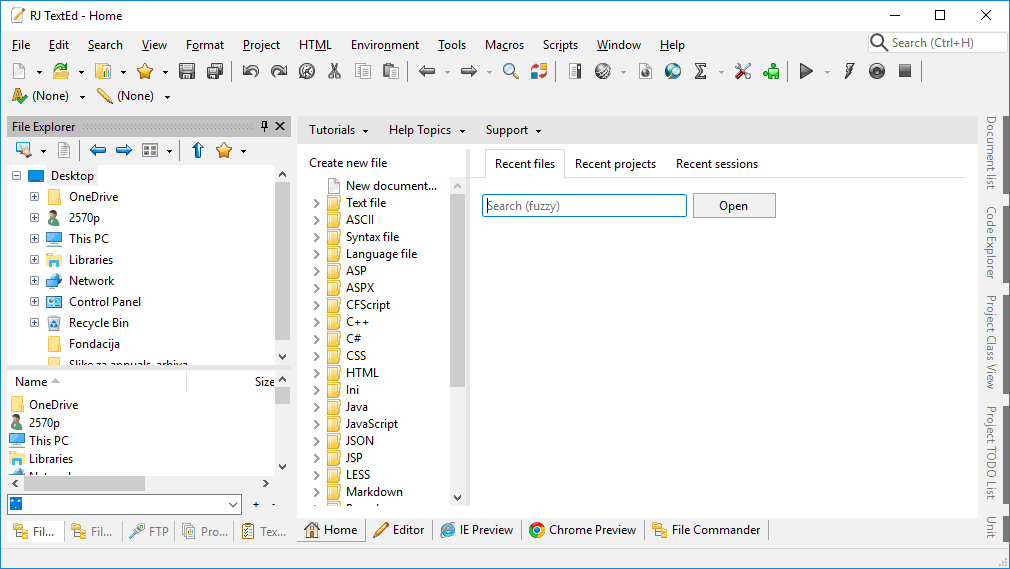
RJ TextEd is a freeware Unicode editor developed by Rickard Johansson and can be used on Windows or on Linux by using the latest version of Wine. There are no paid versions of the software, but you can consider donating to the developer. The design of the editor has been kept simple, and many of its most useful features are available directly from within the main screen.Integrated browser preview
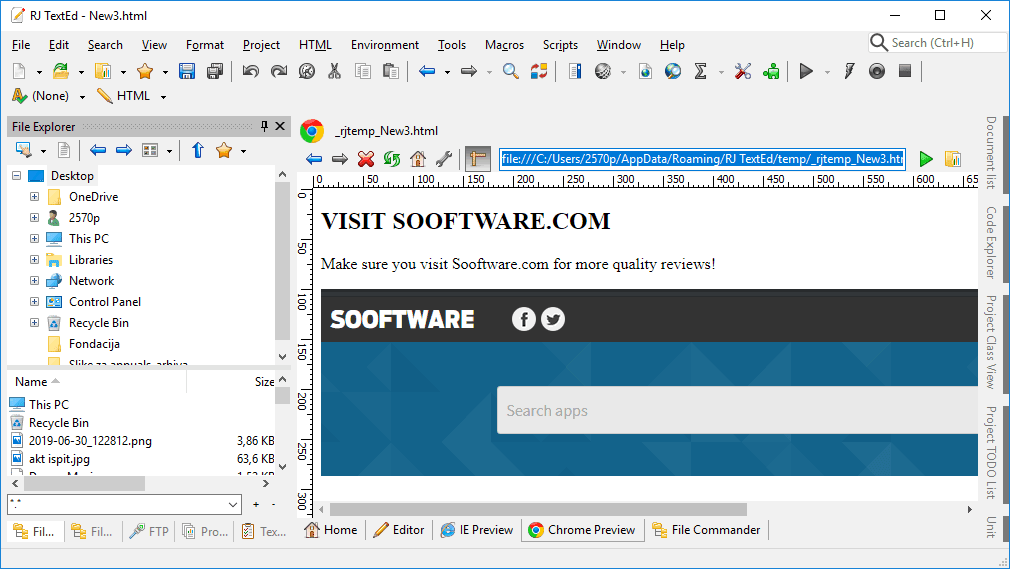
Such a user-friendly UI can really facilitate the development process. The editor also boasts an integrated browser preview option, making it a fast and efficient tool for testing out new changes in your web development projects. All HTML/CSS code you write can be previewed immediately in the integrated web browser tabs, with support for Microsoft Edge and Google Chrome.Customization and language support
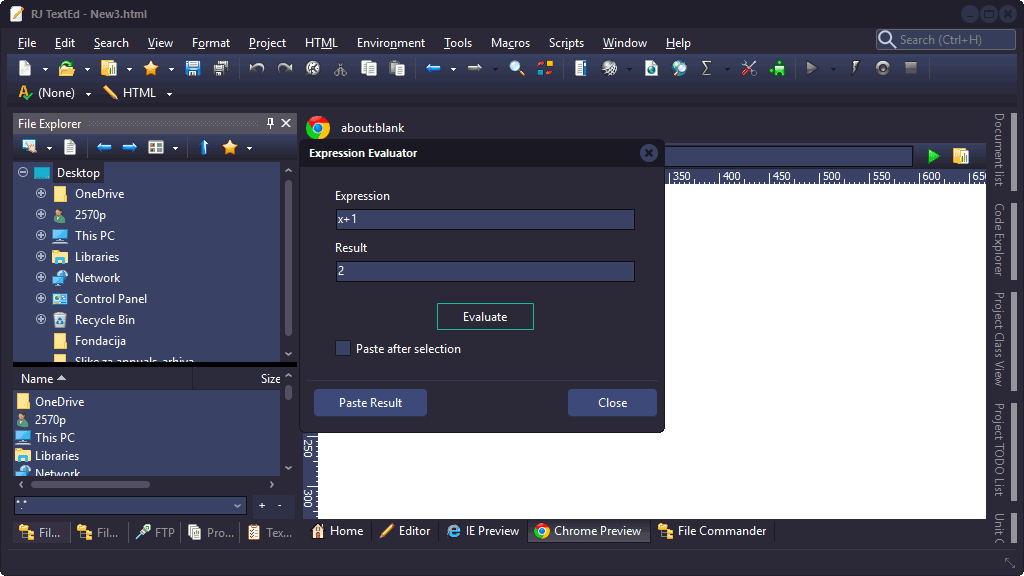
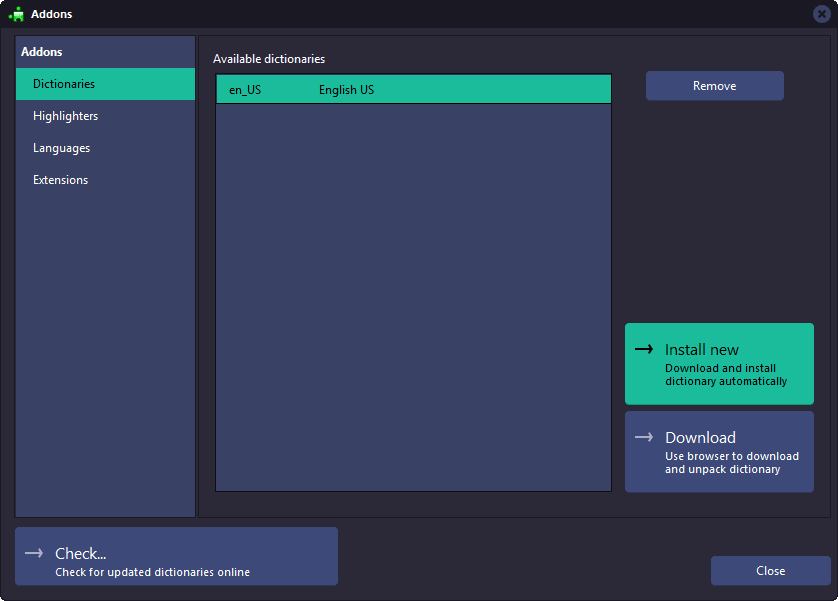
RJ TextEd is very customizable. If you prefer the minimalistic look, you can make it look like Notepad, or if you are accustomed to the Visual Studio look and feel, you can also make it look like VS Code. The editor otherwise supports programming languages such as C++, C#, Java, JavaScript; markup formats such as HTML and XML; and simple text files. You can select between several languages (English, Spanish, Chinese, etc.) for the UI and, if needed, also add new dictionaries.Syntax highlighting
There are syntax highlighting templates available for almost every programming language. The highlighting template gets selected automatically based on the associated file extension, or you can also select it manually from the toolbar. If the highlighting is not available for certain programming languages, you can try looking in the Environment->Add-ons...->Highlighters menu, as there are many highlighting templates available in the tool that are not enabled by default.Side-by-side editing and file management
Another great feature of this application is its ability to edit files side by side. If you're a developer, then you know how important it is to have the ability to compare files side by side and make changes on the go. The application also provides auto-completion and color hints in order to help you write code faster. It also includes an integrated file explorer and project manager to help you navigate projects directly from the application.A lightweight alternative to heavy IDEs
RJ TextEd even allows you to edit remote files using the FTP or SFTP protocol. This allows you to synchronously update files on the server where the files are hosted. Various other features of this application can also be found on the developer's website. Many of the supported functionalities closely match those provided by Microsoft Visual Studio, without the burden of having to install a heavy IDE onto your system, as the application comes in a light download file, is easy to install, and fast to use. It's the perfect editor if you're a web developer.